
How to review a shop
Rate the shop and products after delivery.
Reviewed 17 November 2026. Screenshots are examples; written steps reflect current prices and plan limits.
⏱ 1 min
1After delivery
Once your order is delivered, your order page shows “Rate your order”.
2Rate and comment
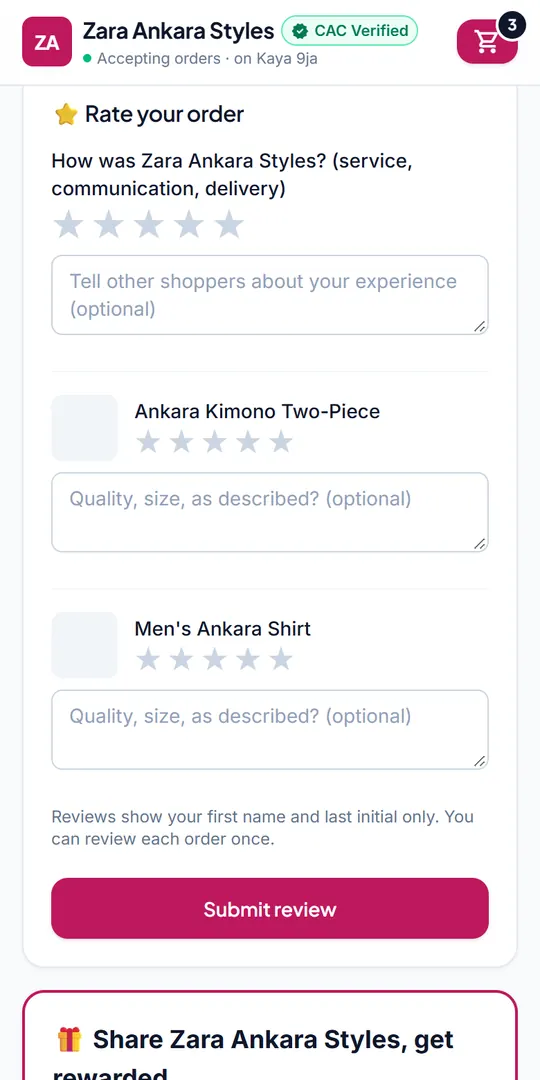
Give stars for the shop and each product, add a comment if you like, and tap Submit review. Reviews show your first name and last initial only.
Want every step on one page?
⬇ Shopper guide (PDF) Updated 17 Nov 2026More guides
Still stuck? Contact the Kaya 9ja Retails team