
How to report a problem with a seller
Order not delivered, wrong item or a seller misbehaving? Tell the Kaya 9ja Retails team.
Reviewed 17 November 2026. Screenshots are examples; written steps reflect current prices and plan limits.
⏱ 2 min
1Start a report
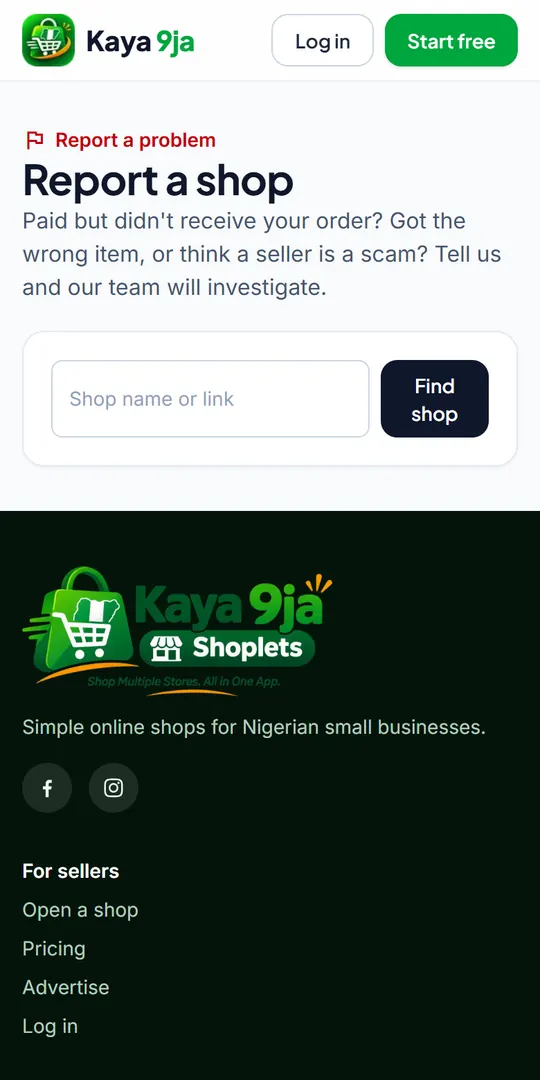
On your order page tap “Report it to Kaya 9ja Retails”, or use Report shop on any shop page.
2Give the details
Describe what happened, add your order number and photos or screenshots, and your contact.
3We investigate
Our team contacts you and the seller, and can warn, pause or suspend a shop. You get a reference number to follow up.
Want every step on one page?
⬇ Shopper guide (PDF) Updated 17 Nov 2026More guides
Still stuck? Contact the Kaya 9ja Retails team