
How to use a shopper account (optional)
See all your orders in one place, save addresses and keep a wishlist.
Reviewed 17 November 2026. Screenshots are examples; written steps reflect current prices and plan limits.
⏱ 1 min
1Sign in
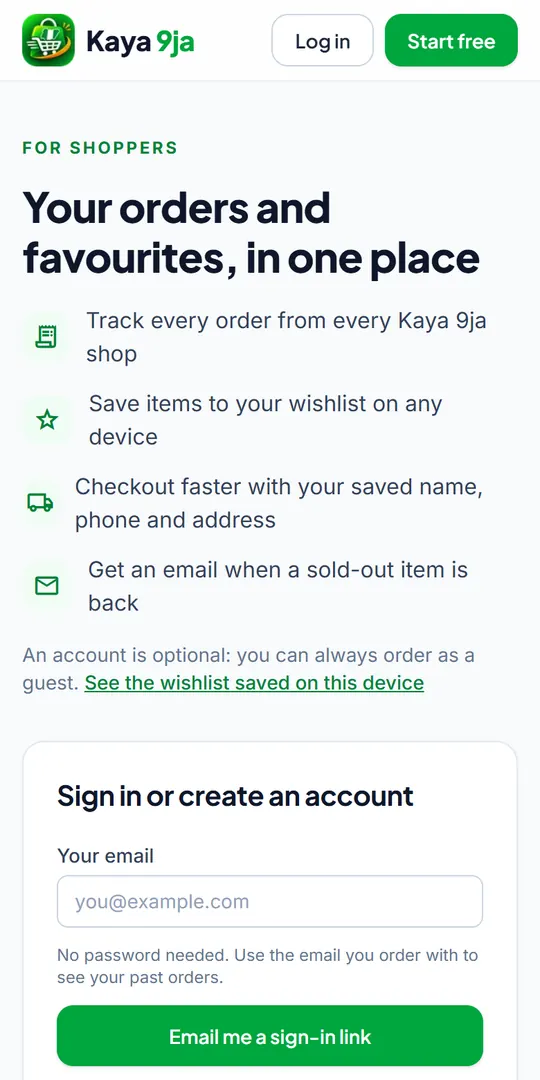
Tap My orders and sign in with a link sent to your email, or an available social sign-in button. No password is needed for email-link sign-in.
2What you get
All your orders from every shop, saved addresses for faster checkout, and your wishlist.
Want every step on one page?
⬇ Shopper guide (PDF) Updated 17 Nov 2026More guides
Still stuck? Contact the Kaya 9ja Retails team