Help Center
How can we help?
Step-by-step guides with pictures, short videos and printable PDF guides for sellers and shoppers.
Guides reviewed 17 November 2026. Example screenshots may show an earlier layout; follow the written steps for current prices and plan limits.
🛍️ For sellers
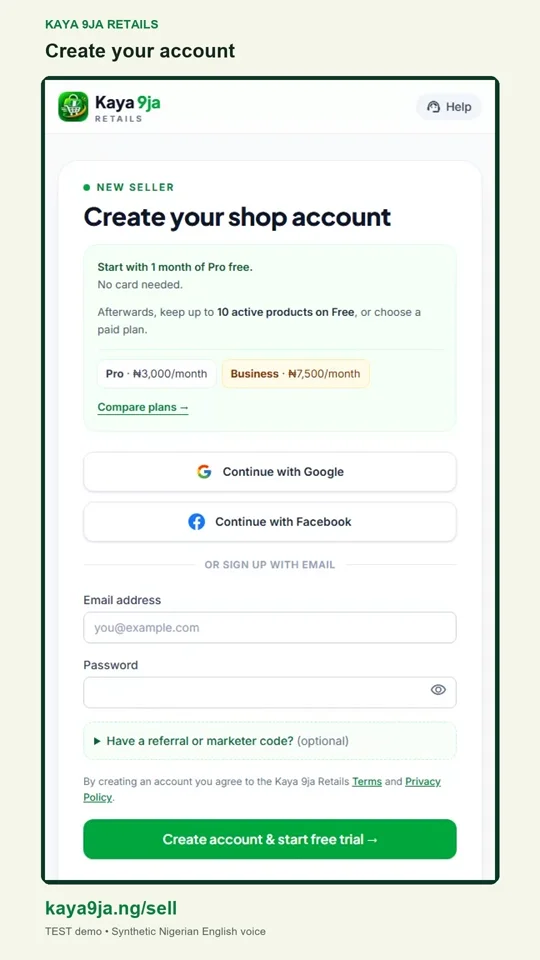
- How to open your shop on Kaya 9ja RetailsStart with 1 month of Pro free, then keep 10 active products on Free or choose a paid plan.5 min
- How to add a productPhotos, price, stock, colours, sizes and options with extra prices, all from your phone.4 min
- How to sell pre-order items and charge shippingFor items you buy from abroad or make to order: ready dates, deposits and shipping fees.4 min
- How to set delivery fees, pickup and pay on deliveryDelivery zones and fees, free delivery above an amount, pickup, pay on delivery and time slots.4 min
- How to confirm payments and dispatch ordersCheck the customer's receipt, confirm the order, then mark it dispatched, ready for pickup or delivered.3 min
- How to sell in your shop with the POSRing up walk-in customers on your phone: tap or scan products, take payment, print a receipt. Requires Pro or Business.2 min
- How to share your shop link and QR codePut your shop on WhatsApp Status, Instagram, TikTok and your counter.2 min
- How to get paid online with your own Paystack or FlutterwaveOptional: let customers pay by card, bank transfer or USSD. The money goes straight into your own Paystack or Flutterwave account. Requires Pro or Business.3 min
- How to collect a payment by QR (no fake transfers)Show a QR for an exact amount; the customer pays into your own Paystack or Flutterwave, and you see it confirmed.2 min
- How to run discount codes and salesCreate discount codes, schedule sales and reward customers who refer friends.2 min
- How to add staff to your shopInvite a manager, cashier or stock keeper. Each role only sees what it needs. Requires Pro or Business.2 min
- How to handle returns and refundsSet your return period and policy, then approve, receive and refund returns.3 min
- How to subscribe and pay for your shopWhat it costs, how free months work, how to pay, and how to earn from referring other sellers.2 min
- How to protect your account with two-step loginAdd a code by email or an authenticator app when you log in.2 min
- How to advertise your shop on Kaya 9ja RetailsHomepage Spotlight, Featured Shop or Category Top: pay once, no contract.2 min
- How to import products from a spreadsheetAdd or update many products at once with a CSV file.3 min
- How to send offers to past customers on WhatsAppMessage customers who said yes to offers, one tap each from your own WhatsApp. Requires Business.2 min
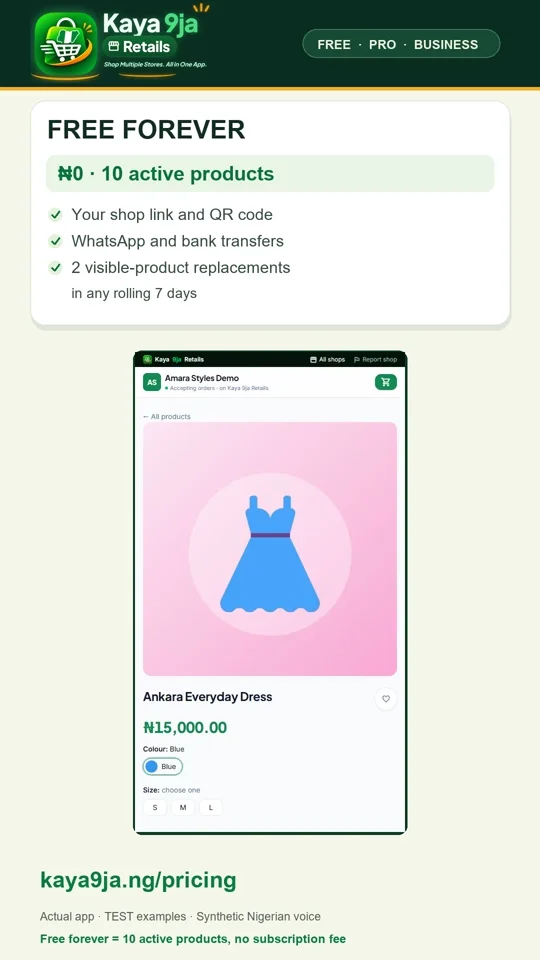
- How to manage your Free-plan productsKeep 10 active products and replace 2 visible products in any rolling 7 days.3 min
- How to share a product price cardShare a product photo, current price, shop branding and QR code on WhatsApp or social media.2 min
🧺 For shoppers
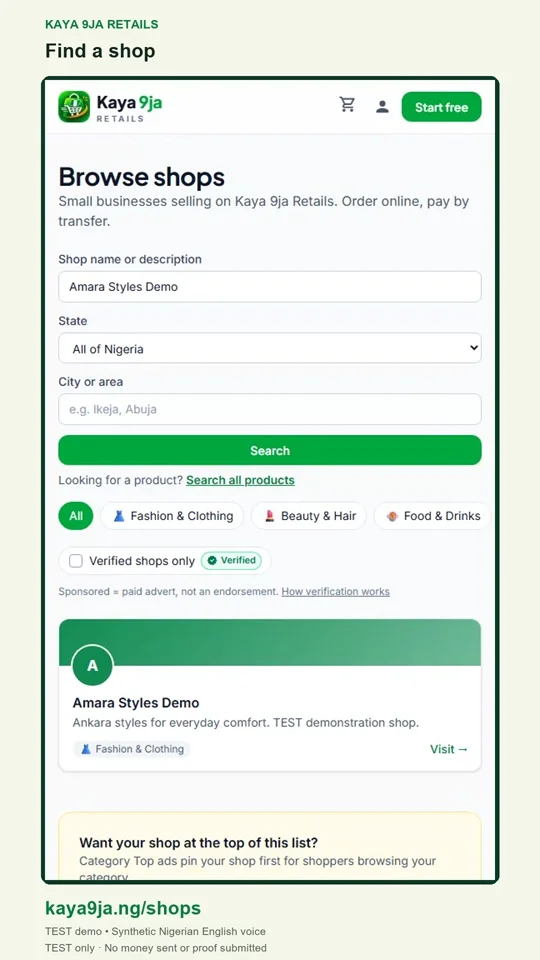
- How to order from a shop on Kaya 9ja RetailsFind a shop or product, add to cart and check out. No account needed.3 min
- How to pay the seller and upload your receiptPay the seller directly by transfer, then upload proof so they can confirm.2 min
- How to track your orderFollow every step from one link: confirmed, dispatched, ready for pickup, delivered.1 min
- How to review a shopRate the shop and products after delivery.1 min
- How to report a problem with a sellerOrder not delivered, wrong item or a seller misbehaving? Tell the Kaya 9ja Retails team.2 min
- How to use a shopper account (optional)See all your orders in one place, save addresses and keep a wishlist.1 min
- What to do when a shop or order link is unavailableFind the right shop, recover an order link or ask for help.1 min
- How to download or delete your dataYour rights under the Nigeria Data Protection Act.1 min
Video guides
Printable guides (PDF)
Every step with pictures. Save on your phone or print for your shop.
💡 Missing something?
Suggest a feature or a category. We build the most requested first and email you when yours is ready.
Still stuck?
Message the Kaya 9ja Retails team and we'll help you.
Contact us