How to order from a shop on Kaya 9ja Retails
Find a shop or product, add to cart and check out. No account needed.
Reviewed 17 November 2026. Screenshots are examples; written steps reflect current prices and plan limits.
⏱ 3 min
Prefer to watch? How to shop on Kaya 9ja Retails: order from Nigerian shops and pay the seller directly (1:45)
1Find what you want
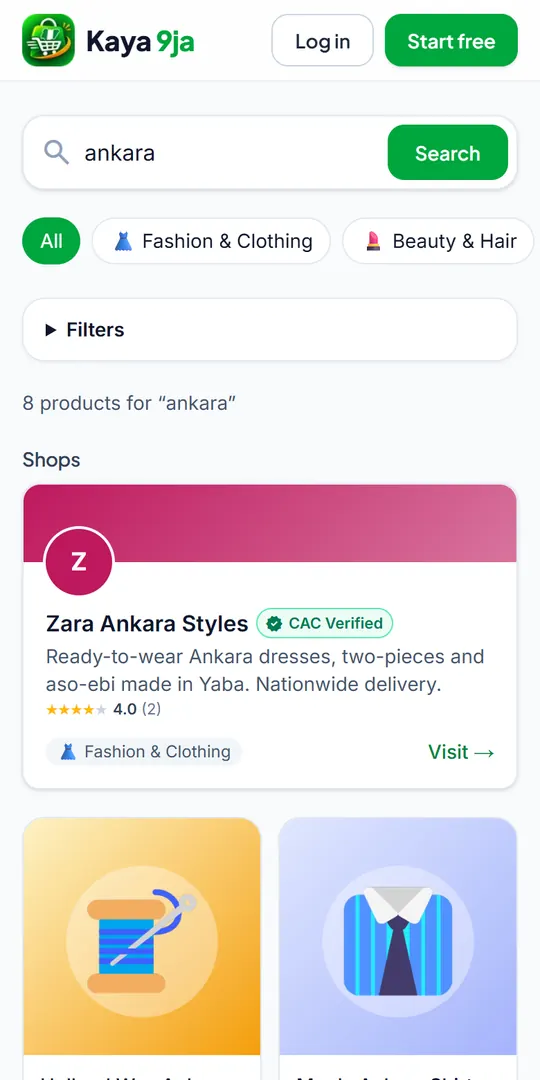
Browse shops by category on kaya9ja.ng, or use Search to look across every shop at once. Filter by price, colour or verified sellers only.
2Visit the shop
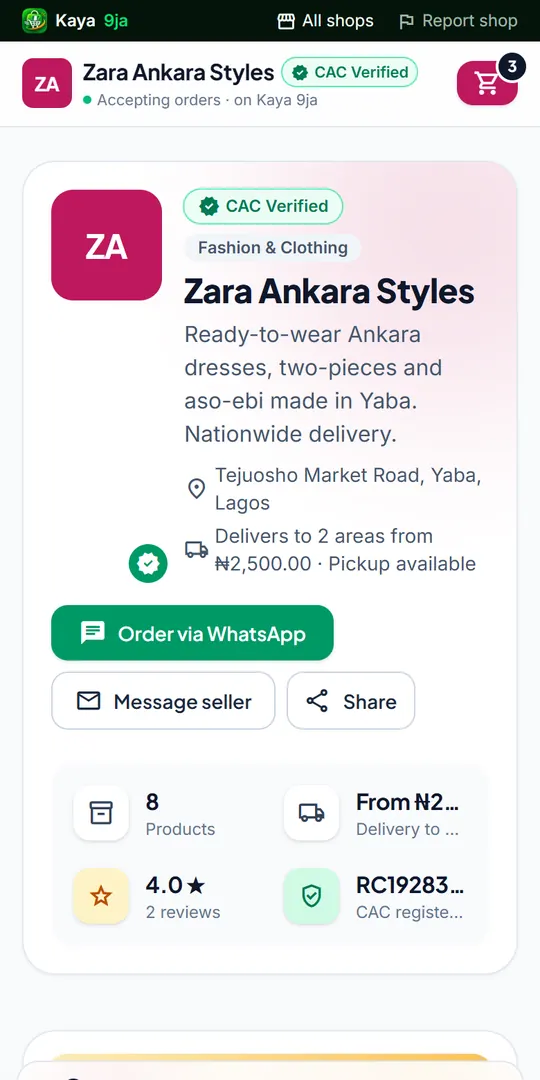
Each shop has its own page. A ✓ Verified badge means Kaya 9ja Retails checked the seller's CAC registration or ID.
3Choose your item
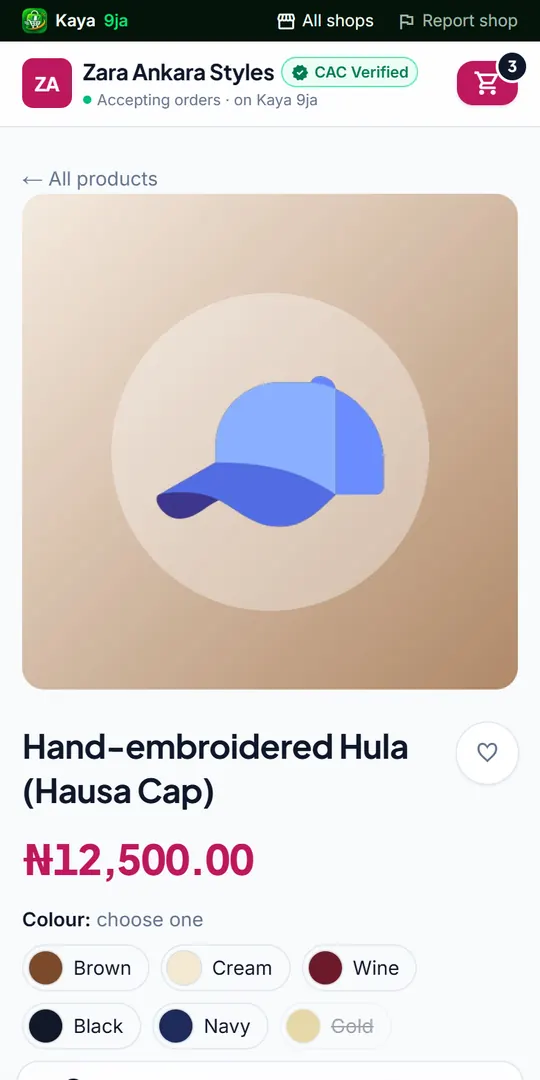
Pick the colour, size or options (some items let you add a name or message), then tap Add to cart.
4Check your cart
Change quantities, add a discount or gift card code and see your total.
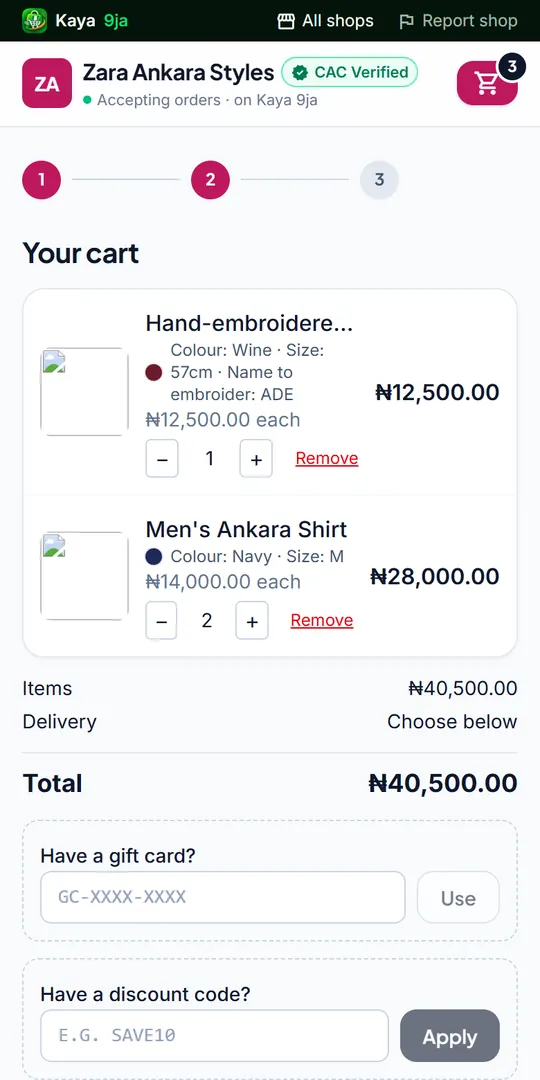
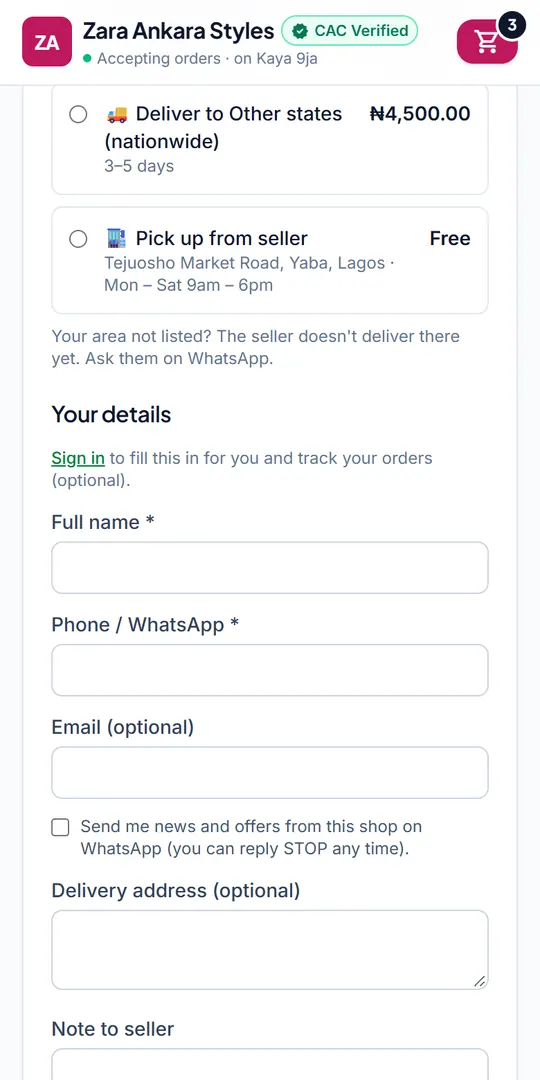
5Delivery and your details
Choose a delivery area (fees shown) or pickup, a delivery day and time if offered, and enter your name, phone and address.
6Place the order
You get an order page with the seller's bank details. Bookmark it: that's where you pay and track everything.
Want every step on one page?
⬇ Shopper guide (PDF) Updated 17 Nov 2026More guides
Still stuck? Contact the Kaya 9ja Retails team