
How to share your shop link and QR code
Put your shop on WhatsApp Status, Instagram, TikTok and your counter.
Reviewed 17 November 2026. Screenshots are examples; written steps reflect current prices and plan limits.
⏱ 2 min📍 Dashboard → Overview and QR code
Prefer to watch? Your first steps: create a shop, add a product and share (1:25)
1Copy your link
On your dashboard Overview tap Copy link, or Share on WhatsApp.
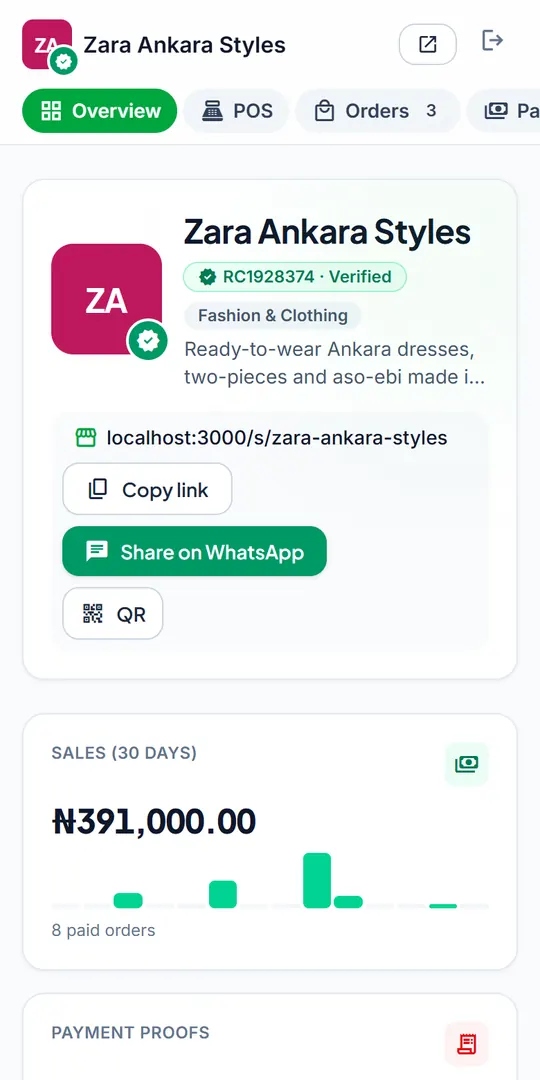
2Put it everywhere
Add it to your Instagram and TikTok bio, WhatsApp Business profile and Status. Every product also has its own link to share.
3Print your QR code
Download your shop's QR code and print it for your counter, flyers and packaging. Customers scan it to open your shop.
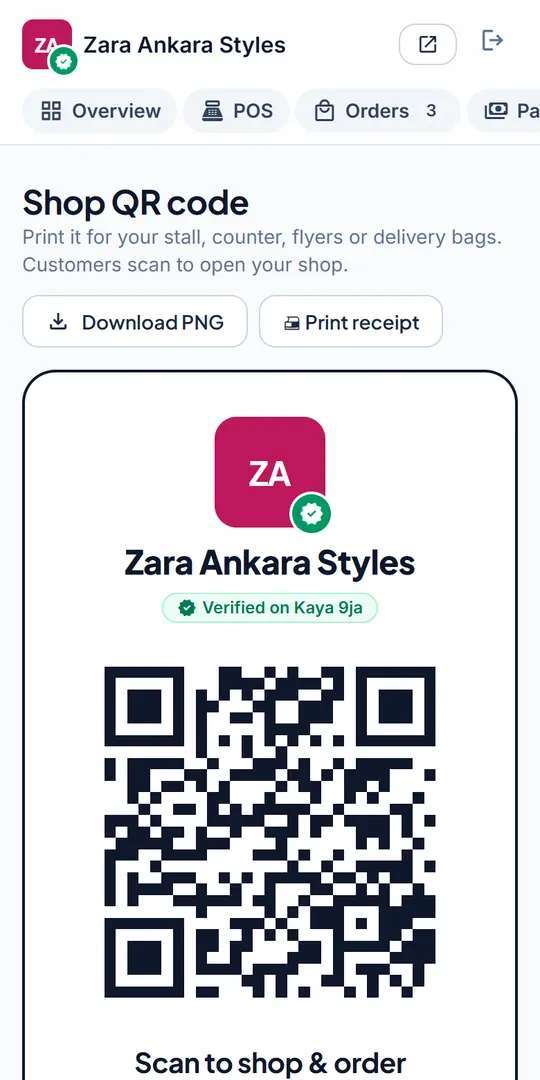
Want every step on one page?
⬇ Seller guide (PDF) Updated 17 Nov 2026More guides
Still stuck? Contact the Kaya 9ja Retails team