
How to send offers to past customers on WhatsApp
Message customers who said yes to offers, one tap each from your own WhatsApp. Requires Business.
Reviewed 17 November 2026. Screenshots are examples; written steps reflect current prices and plan limits.
⏱ 2 min📍 Dashboard → Broadcasts
1Write your message
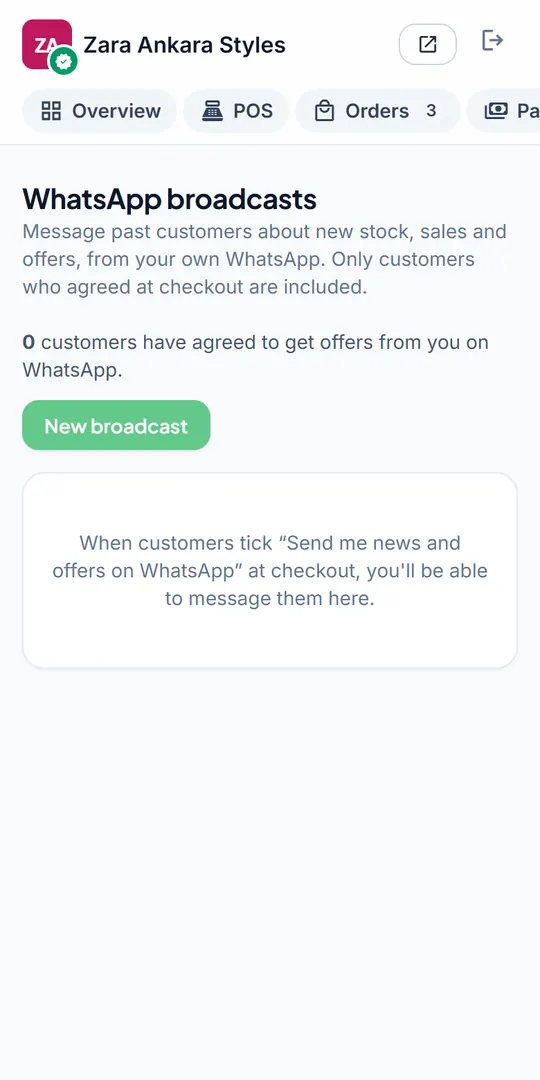
In Broadcasts write your offer. Only customers who ticked “send me offers” at checkout are listed.
2Send one by one
Tap each customer to open WhatsApp with your message ready, then send. Customers can reply STOP to stop offers.
Want every step on one page?
⬇ Seller guide (PDF) Updated 17 Nov 2026More guides
Still stuck? Contact the Kaya 9ja Retails team